
Accessing Magazines Online is Easier Than Ever
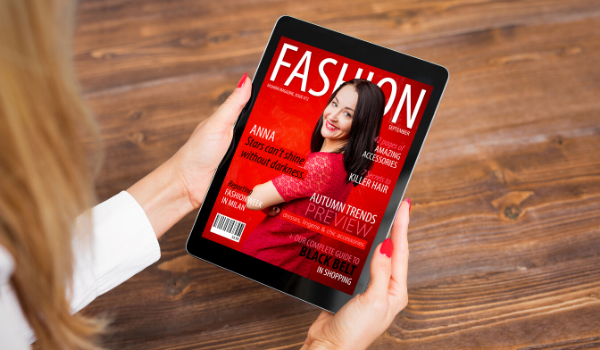
Gone are the days of browsing clunky sites to access digital magazines. Great, high-quality magazine titles are just a click away with these easy-to-use collections.
All collections are accessible with your library card. (Don’t have a library card? Get one here.)
OverDrive Magazine
Users gain access to an ever-growing collection of titles with OverDrive Magazines. Find popular titles like Food Network, HGTV Magazines, Newsweek, Taste of Home, Quilter’s World, Esquire, and so many more.
Magazine titles are always available, so you never have to wait! Bonus: magazines do not count towards your item checkout limit, so borrow as many as you want. And because it’s from OverDrive, these titles are easily accessed through your Libby (by OverDrive) App.
hoopla Magazines BingePass
Read current and recent issues of popular and in-demand magazines with the hoopla Magazines BingePass.
A hoopla BingePass gives you days of unlimited access to great online content with a single borrow. hoopla BingePass collections are always available, so you never have to wait. Use your library card to create a hoopla account and begin downloading titles right now
Consumer Reports
Users have full access to Consumer Reports online. Just follow the link, enter your library card number and begin searching. Ratings, reports and buying guides are now at your fingertips.